
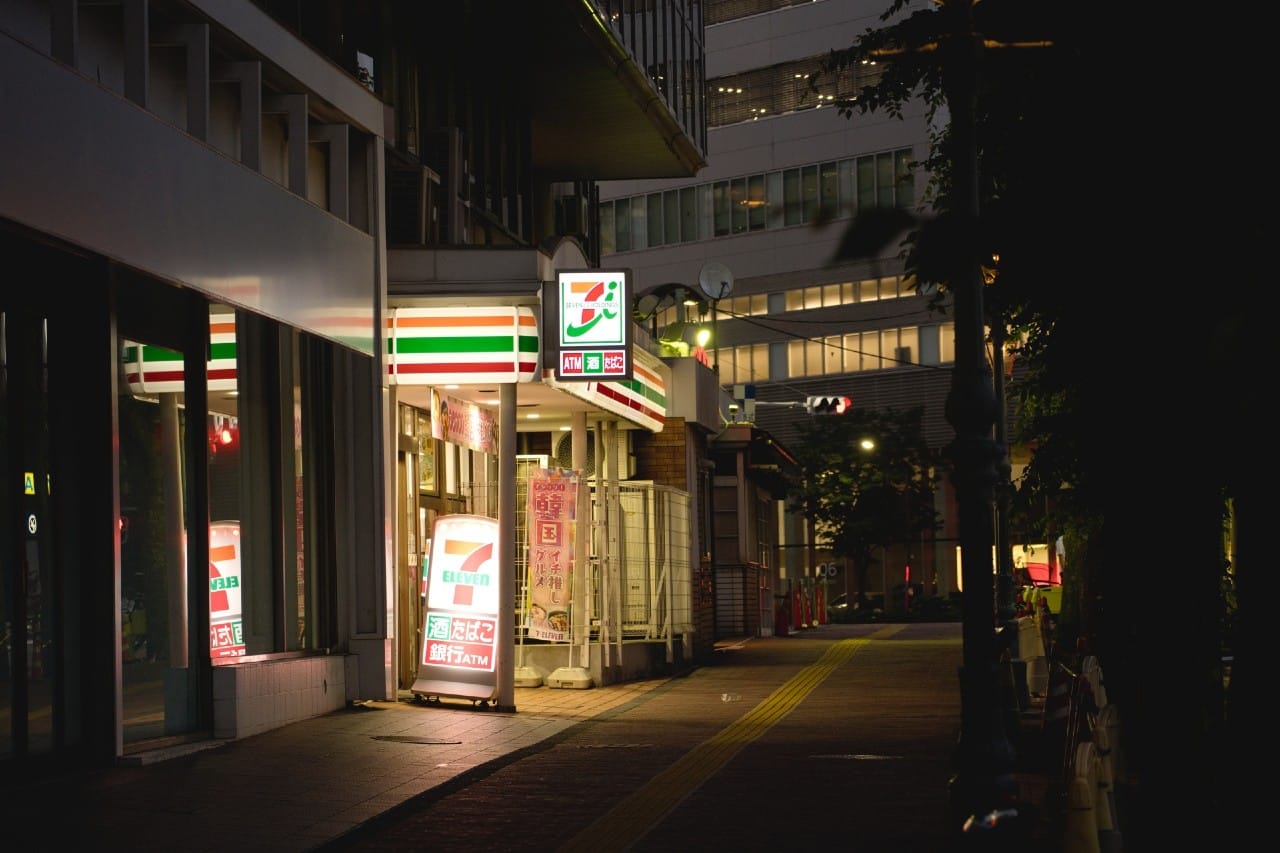
For first-time visitors to Japan, it’s common to run into this situation: you’ve arrived, but your items are still on the way. Some people want to order camera batteries from Amazon JP, others need to send their heavy coats to the hotel for the next night, and some just want to pick up tickets or adapters as soon as they land. Japan is actually very good at “buy first, pick up later.” The key is choosing the right pickup channel, writing the correct name and address, and timing it right—doing so makes your trip much smoother.
When Should You Use “Buy First, Pick Up Later”?
The three most typical scenarios are: ordering from overseas and picking up in Japan; moving between cities and wanting to send your luggage to the next night’s hotel; or quickly restocking items (rain gear, cosmetics, memory cards) without wasting time looking for a store. While these needs seem different, the logic is the same: small items go to convenience stores or PUDO lockers, large items go via Yamato delivery. Placing items in the right “channel” makes your trip flow as smoothly as a staged supply system.
Choosing the Right Pickup Method
Convenience Store Pickup (7-Eleven / FamilyMart / Lawson)

If your package is small, already paid for online, and you want 24/7 access, convenience stores are the most reliable. When ordering, choose a store within a 5–10 minute walk from your lodging. Once you receive an email or app notification that your package has arrived, bring the QR code or pickup code to the counter (or print the slip via FamiPort / Loppi) and take it with you. The main limitations are the “holding period,” usually only 3–7 days, and limited store space—large boxes may be refused or returned, so don’t try to squeeze big luggage into a convenience store.
Japan Pocket Wifi Rental
Japan eSIM : Fast & Easy & UNLIMTED
Japan Travel eSIM
Convenience store pickup is ideal for small items and short-term stays. After selecting a store, you will receive a barcode / QR code and a pickup number via email or app.
Most Japanese e-commerce platforms (like Amazon JP and some Rakuten stores) support “コンビニ受け取り” (convenience store pickup), but some online stores do not. If a store doesn’t support it, it’s recommended to send packages directly to the hotel for front desk pickup. This is especially helpful for short stays or valuable items, avoiding wasted time looking for a store or worrying about missed deliveries.
How to Use
- Select a store when ordering: Enter your lodging address or nearby landmark to find a store and confirm business hours (most are 24/7).
- Check notifications: Before heading to the store, confirm that the pickup code in the SMS/email is still valid (usually 3–7 days).
- Pick up at the store:
- 7-Eleven: Usually just show the barcode to the clerk for scanning.
- FamilyMart: Use FamiPort on the screen (or ask clerk for help), print the slip, and hand it to the cashier.
- Lawson: Print the slip via Loppi and pick up at the cashier.
Restrictions & Notes
- Size / Weight Limits: Convenience stores usually do not accept packages over a total of 140cm or 20–25kg; suitcases are generally not allowed.
- ID Verification: Usually not required, but sometimes clerks may ask for your passport or an ID showing your name.
- Name Must Match: Use the same name as on your pickup ID (passport full name recommended).
- Payment: Most convenience store pickups require prepayment (credit card / mobile payment). Cash-on-delivery is not supported for every order.
- Pickup Deadline: Packages returned if not collected within the holding period; don’t wait until the last day.
PUDO Smart Lockers

PUDO lockers are suitable when you prefer minimal interaction, want early morning or late-night access, or have a small package. The process is simple: the system sends you an opening code or QR code, which you enter at the locker to retrieve your package. Downsides include fixed locker sizes, short holding periods, and most are linked to Yamato delivery, so not all sellers/logistics can use PUDO. If lockers are full, packages may be redirected or returned, so have a backup plan.
How to Use
- Select “PUDO / はこぽす” or similar smart locker locations when ordering.
- Receive an SMS/email with locker code or QR code, then use the on-site screen to scan or enter the code.
- The locker door opens automatically, and you take out your package.
Restrictions & Notes
- Strict Size Limits: Lockers come in S/M/L and do not support large luggage.
- Compatibility: Mostly Yamato delivery; Japan Post or other couriers may not be supported.
- Pickup Deadline: Usually 3 days; overdue packages are returned.
Hotel Front Desk & Yamato Delivery
For larger items or if you want “hands-free” travel, Yamato delivery is almost always the answer. Send your luggage to the hotel for the next night, clearly labeling the guest’s full English name and check-in date; it typically arrives the next day or two. The same applies to online purchases—send them to the hotel for front desk pickup. Always confirm in advance via email or phone whether the hotel accepts packages and if there are storage fees. During peak seasons or bad weather, allow extra time. If hotel policies are uncertain, you can also send packages to a nearby Yamato center, using the Japanese keyword “営業所止め” for self-pickup.
FAQ of sending packages to Yamato center
Basic Rules
- Size: Usually within total dimensions of 160–200cm and ≤25kg (varies by service).
- Timing: Same prefecture: usually next day; cross-region: 1–2 days; islands or peak season: allow extra time.
- Shipping Form: Stores or hotels can fill it out. Key info: recipient name (matching guest), hotel name, check-in date.
Useful Phrases (Keep on Your Phone)
荷物を次のホテルへ送ります。宿泊者名とチェックイン日はこちらです。
→ I want to send my luggage to the next hotel. Guest name and check-in date are as follows.
営業所止めで受け取りたいです。最寄りのヤマト営業所を教えてください。
→ I want to pick up at a Yamato branch. Please tell me the nearest location.
Quick Comparison of Three Pickup Methods in Japan
| Method | Best For | Size Limit | Interact with Staff? | Pickup Window | Notes |
|---|---|---|---|---|---|
| Convenience Store Pickup | Small e-commerce packages | Up to 140cm, ≤20–25kg | Usually yes | Approx. 3–7 days | Only some stores support; unsupported stores: send to hotel front desk |
| PUDO Smart Locker | Small items, flexible timing | S/M/L lockers | No | Usually 3 days | Mostly Yamato delivery; may not support other logistics |
| Yamato Luggage Delivery | Large luggage, cross-city | Up to 160–200cm, ≤25kg | Depends on location | Varies by service/location | Sending to hotel front desk is most convenient; allow extra time in peak season or bad weather |
How to Safely Write Name and Address
Three simple rules:
- Use full passport name in English, preferably all uppercase.
- Address note: c/o (guest name) / Check-in: YYYY-MM-DD.
- Phone: hotel number or a number that can receive SMS (many platforms support international phones) so the logistics can contact you or the front desk if needed.
Hotel ABC Tokyo (Front Desk)
c/o JOHN SMITH (Check-in 2025-08-12)
1-2-3 Ginza, Chuo-ku, Tokyo 104-0061
TEL: 03-xxxx-xxxx
For how to write a Japanese address, see this article: Must-See for Traveling in Japan: Learn to Read Japanese Addresses in 3 Minutes!
Size, Timing, and Reality
Most travelers get stuck on two things: wrong size and tight timing.
- Convenience Store / PUDO: Only suitable for small items; medium/large luggage may be rejected or returned.
- Yamato Delivery: Suitcases are OK, but there are size/weight limits. Exceeding these may incur extra fees or refusal; allow extra time during peak season or bad weather.
- Refrigerated/Frozen or Hazardous Items: Most pickup points do not accept; confirm seller and logistics conditions.
As for timing, cross-region shipments like Tokyo–Kyoto usually take 1–2 days; holidays or typhoons may extend it. A safe approach is to move your timeline half a day to a day earlier, making your trip much smoother.
Three Common Mistakes
- Missing the pickup window: Packages returned if not collected within the holding period (usually 3–7 days).
- Name mismatch: Using a nickname in the order can cause problems during verification at the store.
- Cash-on-delivery: Not all convenience stores support it; check before ordering.
Even one mistake can disrupt your trip. Avoid these, and your efficiency doubles.
Scenario Practice: Turning Concepts into a Route Map
Need Items Right After Landing
If you need a phone charger on your first day in Tokyo, pre-order on Amazon JP and choose a nearby FamilyMart for pickup. Even if your flight is delayed, you can pick it up 24/7 and head out the next morning without affecting your plans.
Don’t Want to Carry Luggage Between Cities
Send your luggage via Yamato from Tokyo to your hotel in Kyoto, labeling the hotel name, guest name, and check-in date. Take only a small bag on the Shinkansen. By check-in time, your luggage will already be at the front desk, making your trip hassle-free.
Weather-Dependent Last-Minute Purchases
If your itinerary includes outdoor attractions or theme parks (e.g., Tokyo Disneyland or Universal Studios Japan) and it rains, send a raincoat to a PUDO locker the night before. Pick it up the next morning on the way. This avoids waiting in line inside the park for overpriced rain gear and keeps your plans on track.
Common Scenario Q&A
1) Can I send luggage to a convenience store?
Most convenience stores only handle small packages for store pickup; they don’t provide long-term storage for large luggage. For larger items, send to a Yamato center or next-night hotel.
2) Can Amazon JP deliver to my hotel?
Yes, but confirm that the hotel accepts packages. Include c/o (guest name) and check-in date in the address. Some hotels may refuse or have storage limits.
3) Can I enter my name in Chinese?
Use your full passport name in English. If the system requires Katakana, convert your passport name. Avoid nicknames or missing middle names, which may fail verification.
4) What if I only have a “pickup code” without a barcode?
Follow the instructions. Some require a 6-digit code; for PUDO, you usually need a locker code or QR code to open the box.
Final Checks Before Leaving
- Order name matches passport? Address includes c/o and check-in date?
- Holding period noted in calendar? Enough time to pick up before expiration?
- Backup plan ready: second nearby store / nearest Yamato center.
Put items in the right channel, write the correct name/address, and leave enough time. Pickup is no longer a hassle but a tool to make your trip lighter and smoother. Enjoy your trip and quick pickups!
Short trip or long stay — we've got you covered
Best for Travelers
Japan eSIM
From ¥2,800 — activate before you land
- Cheaper than airport & convenience store SIMs
- 5-day to 135-day plans; unlimited or data-capped
- No SIM swap needed — ready in 2 minutes
Best for Long Stays
Monthly Pocket WiFi
From ¥5,500/mo — unlimited, no throttle
- Choose WiMAX 5G or SoftBank 4G coverage
- 3 to 12-month contracts — longer means cheaper
- Delivered to your hotel or airport post office


